How Do I Connect My First Ad Account to Prism?
Before You Begin
Before connecting your ad accounts, ensure all the accounts you plan to connect within the same brand follow these requirements:
Currency and Timezone Alignment
Your ad accounts must have:
- Identical currency settings (e.g., all accounts in USD)
- Matching timezone settings (e.g., all accounts in UTC-5)
This standardization is crucial for:
- Generating accurate cross-account reports
- Making reliable performance comparisons
- Maintaining consistent data tracking
What Happens if Requirements Aren't Met?
If you attempt to connect an account with different settings:
- The system will flag incompatible accounts in the list with a "Cannot Connect" status during the connection process
- These accounts will not be available for selection to connect
Connection Process
Navigating to Integrations
To access the integrations module in Prism, navigate to the left-hand panel of the Control Center and select the Integrations section. This module serves as a central hub for managing all your connected ad platforms.
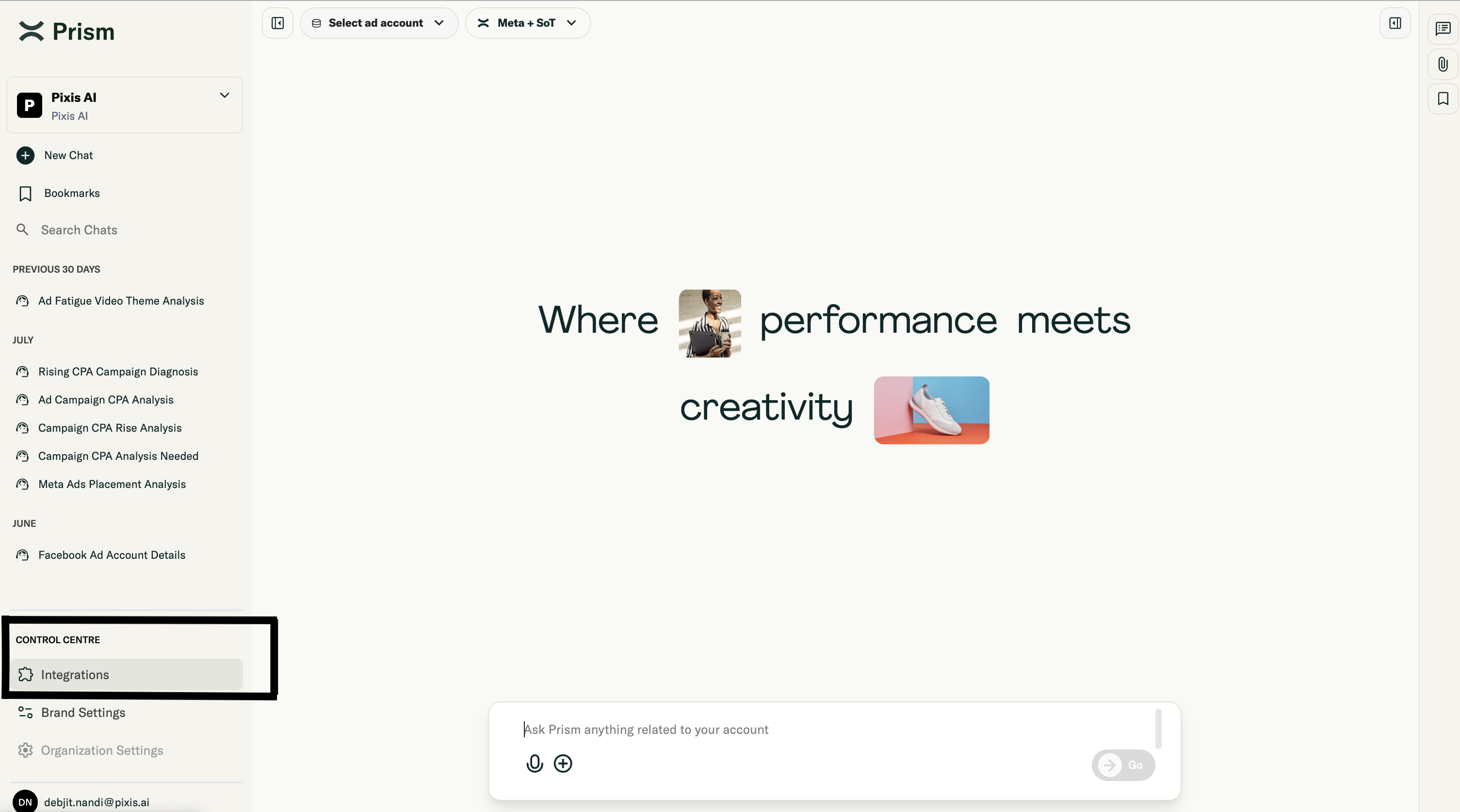 Control Center left panel with Integrations section
Step-by-Step Connection
- Navigate to Integrations in Control Center on left panel
- Select the platform (Meta or Google Ads)
- Choose accounts to connect
- System verifies currency and time zone compatibility
- Checks for existing connections
- Set up your primary profile
- Add additional profiles if needed
Important Note: Each brand will adhere to the timezone and currency of the first ad account connected to it. For example, if you connect a Meta ad account to a brand, any subsequent accounts, such as a Google Ads account, must have the same timezone and currency settings.
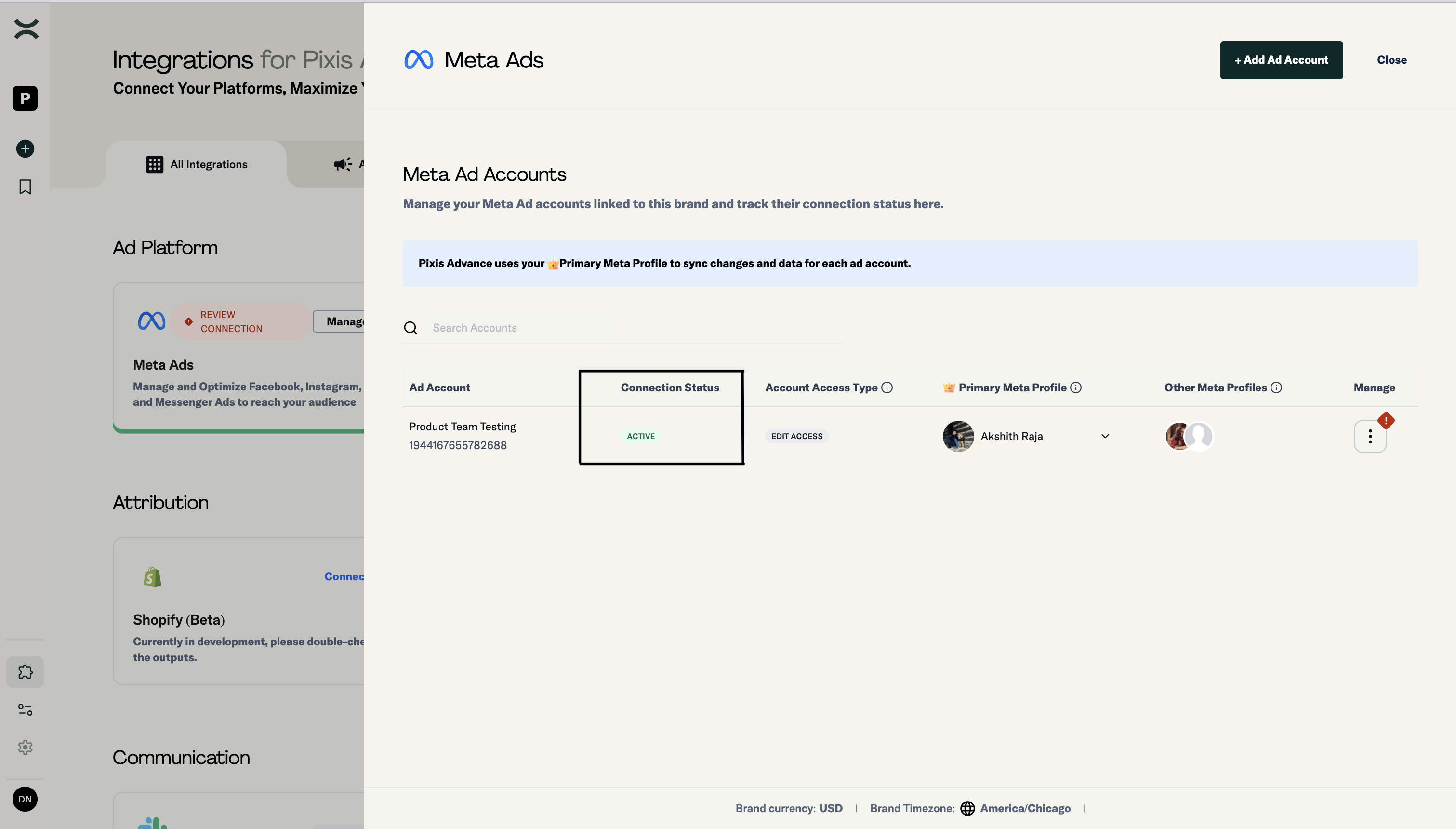
Ad account selection
Next Steps
Now that you've connected your first ad account, proceed to "Understanding Access Levels and Profiles" to learn about managing access permissions and profile types.