Brand Knowledge - Overview
Brand Knowledge is how you teach Prism about your brand. Without it, Prism is a capable analyst with zero context. With it, Prism becomes an opinionated performance partner that knows your rules, your thresholds, and your data sources.
You configure it once. Every user on your brand gets the same context automatically.
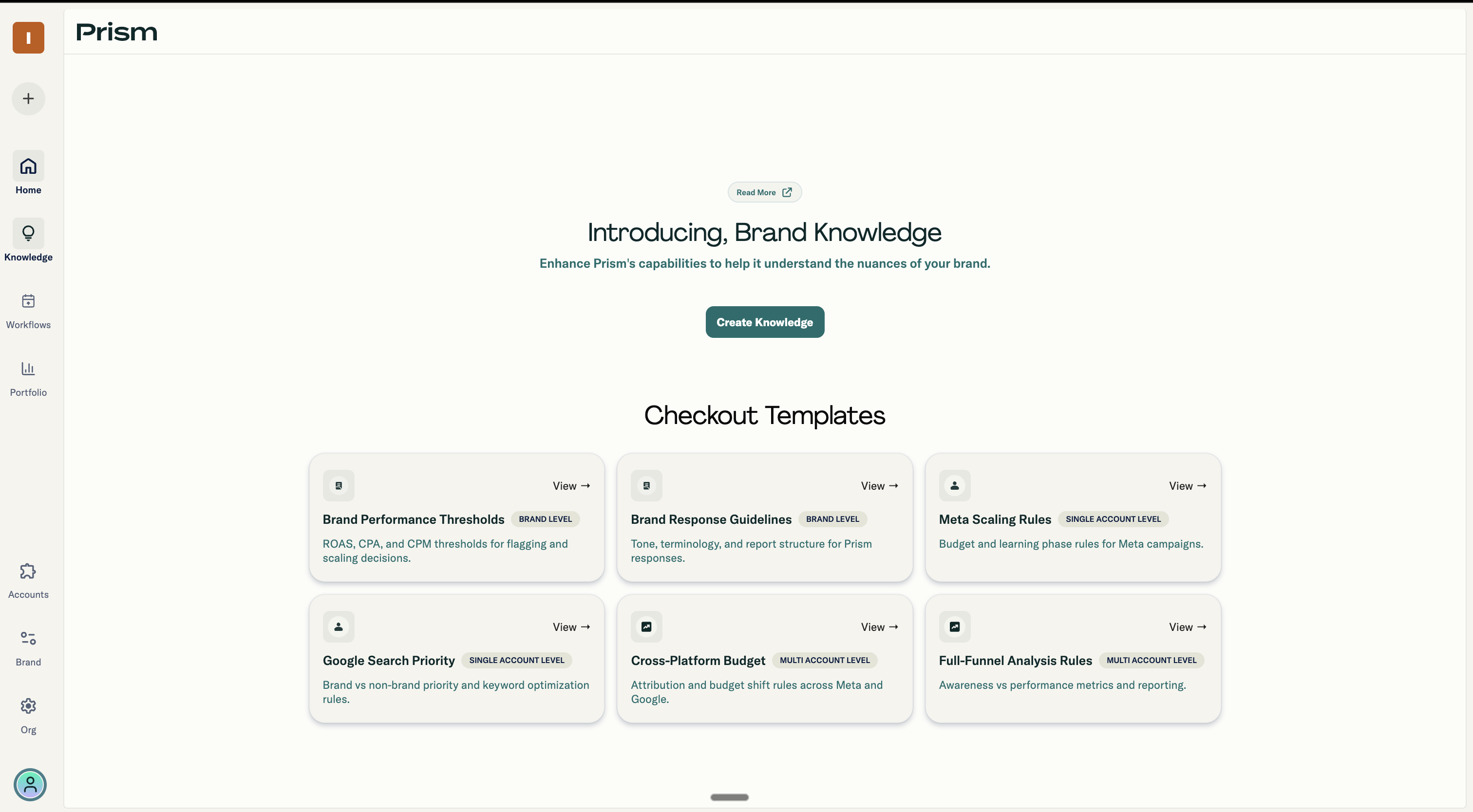
What Brand Knowledge Contains
Every knowledge object has three layers:
| Step | What it does | Required? |
|---|---|---|
| Basic | Sets the name, trigger (when it activates), and instructions (what Prism should do) | Yes |
| Advanced | Adds deeper context via PDFs, Google Sheets, website URLs, or prompt shortcuts | No |
| Attribution | Connects live data sheets Prism can query by name | No |
How the Three Steps Work Together
Basic (Required) You name the knowledge, pick when it triggers, and write instructions that tell Prism how to behave. This is the foundation.
Advanced (Optional) You give Prism reference material: a PDF playbook, a Google Sheet with KPI targets, a website URL to crawl, or shortcuts for the Enhance Prompt button. This is a static context Prism reads but doesn't query.
Attribution (Optional) You connect live Google Sheets that Prism can query by name. Users say "From the Enrollment Tracker, show me top enrollments" and Prism pulls the data. This is dynamic, queryable data.
User Roles
| Role | Can do |
|---|---|
| Admin | Create, edit, enable/disable knowledge |
| Viewer/Publisher | See active knowledge, use Prism, flag issues to Admin |
Constraints
- One active Brand Level knowledge per brand
- One Account Level knowledge per ad account
- An ad account can appear in one Account Level + one Multi-account trigger (not more)
- One file upload (PDF or Google Sheet) per knowledge object in Advanced step
Quick Mental Model
Think of Brand Knowledge as briefing a new analyst:
- Brand Level = "Here's how we talk about performance at this company"
- Account Level = "Here's how this specific platform works for us"
- Multi-account = "Here's how to compare these accounts together"
- Advanced inputs = "Here's our playbook and reference docs"
- Attribution = "Here's where to pull live data when I ask"
You brief once. Prism remembers it for every relevant conversation.