Settings
Prism provides configuration options at three levels: User, Brand, and Organization. Access all settings from the bottom of the Primary Left Panel.
User Settings
Access User Settings from the bottom of the Primary Left Panel to manage your personal profile and preferences.
Available Options
- User Profile: Manage your account information and display name
- General Chat Settings: Configure default chat behavior and preferences
- Terms of Service: View the current terms
- Privacy Policy: View the privacy policy
- Help Documentation: Access support resources
Brand Settings
Brand Settings control configuration at the brand level.
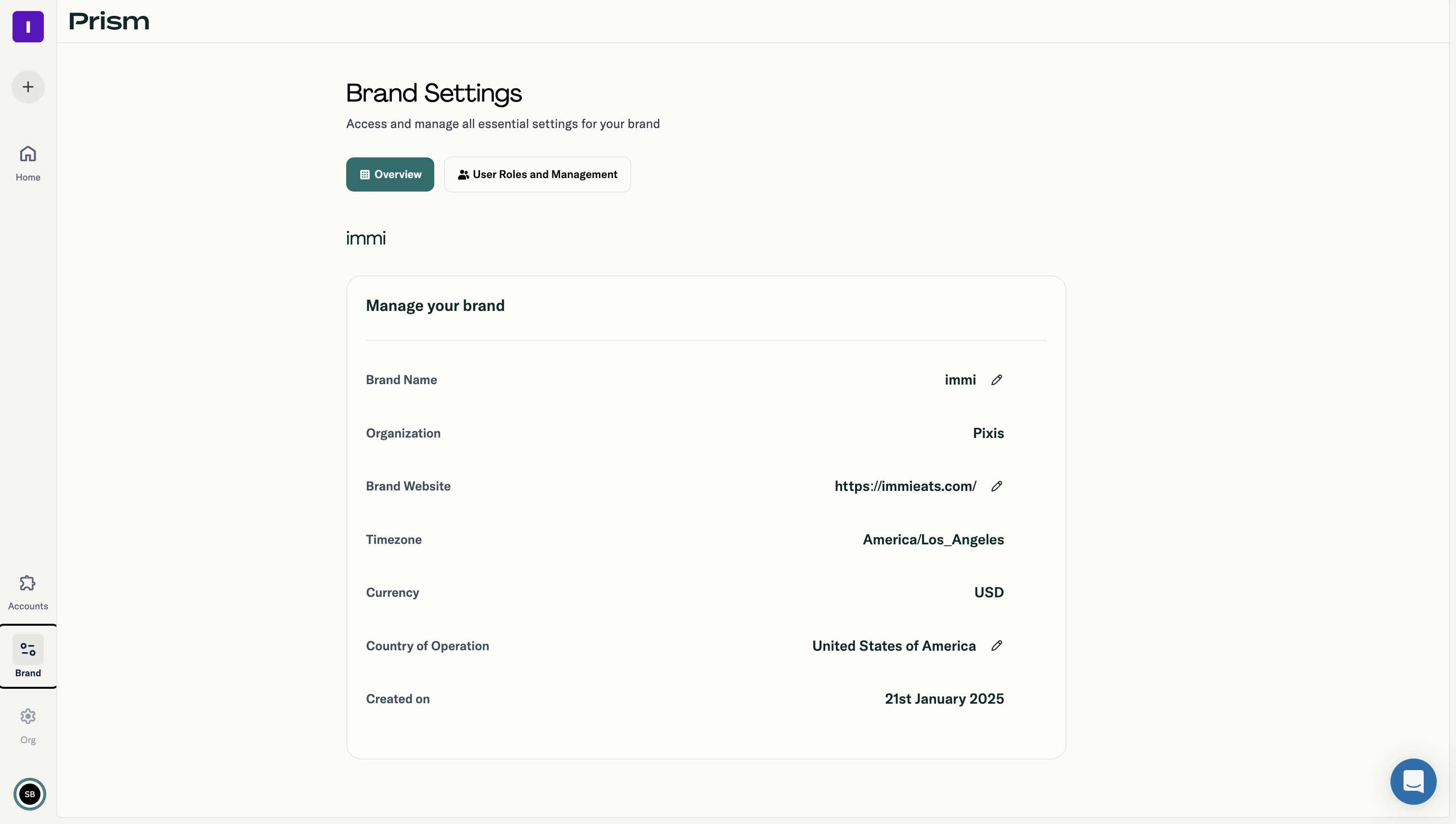
Brand Configuration
- Brand name and details
- Connected ad accounts for this brand
- Team member access within the brand
- Brand-specific preferences
Organization Settings
Organization Settings provide administrative control across all brands.
Organization Administration
- Brand Management: Create, edit, and delete brands within the organization
- User Roles: Define and assign roles with specific permissions
- User Access: Invite team members and manage access levels
- Permissions: Configure what each role can view and do
User Roles and Permissions
Prism uses role-based access control (RBAC) to manage permissions. Workspaces allow you to invite teammates, assign roles, and manage permissions.
Access Control Features
- Role-based access controls for granular permissions
- Audit trails for all AI actions
- Approval workflows for action execution
- Role-aware insights (different users see different information based on their role)
Security and Compliance
Prism is built with enterprise governance in mind.
Security Features
- SOC 2 compliant
- ISO certified
- GDPR compliant
- AES-256 encryption at rest
- TLS 1.2 encryption in transit
Data Privacy
Your marketing data always stays private, siloed, and is never used to train Pixis' global models. Prism applies always-on data hygiene, validating accuracy, freshness, and structure of incoming signals.