Platform Structure
Prism uses a hierarchical structure to organize your marketing data and team access.
Hierarchy Model
Prism utilizes a workspace model with three levels: Organization, Brand, and Ad Account.
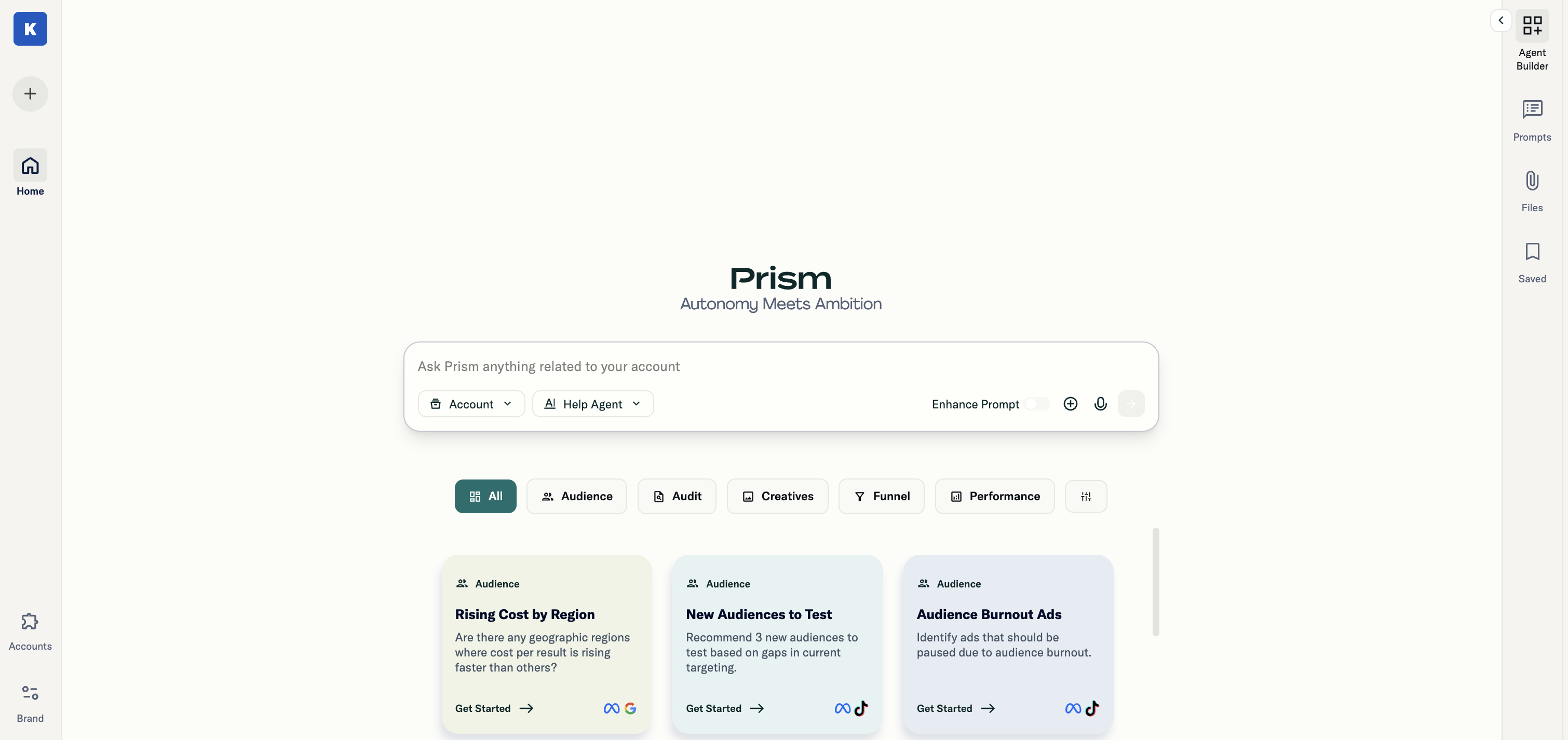
- Organization: The top-level container representing your company. Houses all brands, users, and settings.
- Brand: Each workspace maps to a brand. Represents a distinct business unit, product line, or client. Each brand can include multiple ad accounts.
- Ad Account: The platform connections (Meta, Google, TikTok, Google Sheets) are linked to each brand.
First-Time Setup
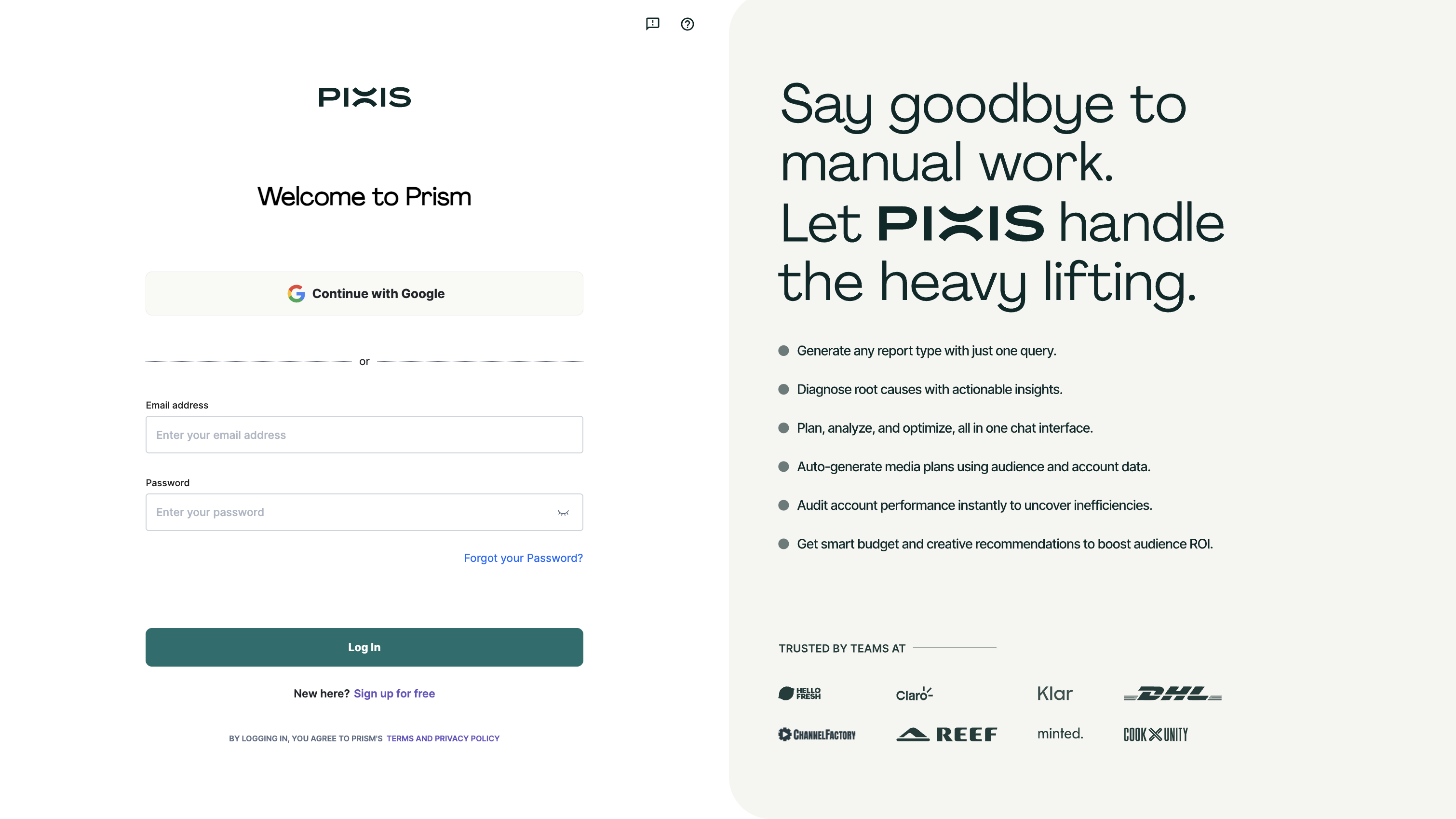
- Access Prism at prism.pixis.ai and sign in or create an account
- Create your Organization (or join an existing one via invitation)
- Set up your first Brand within the Organization
- Ensure your ad accounts have matching currency and timezone settings
- Connect your Ad Accounts (the first connection sets the standard for currency/timezone)
- Invite team members and assign appropriate roles