How Do I Manage Primary Profiles in Prism?
Primary profiles are crucial for managing your ad accounts in Prism - they're your master identity for making changes and maintaining control. In this article, you'll learn:
- What permissions and requirements your primary profile needs
- How to switch between different profiles
Key Requirements
- Edit Access: Your primary profile must have Edit Access permissions
- Active Status: Profile must remain active and authenticated
- Platform Verification: Must maintain valid platform credentials
Managing Primary Profiles
You can:
- Switch to any profile that has Edit Access
- Reassign primary profile status as needed
- Add other Profiles as a backup for seamless data synchronization by inviting teammates
Important Notes
- If your primary profile expires or loses access, you must either reconnect it or designate a new profile with Edit Access
- The first profile with Edit Access connected to an ad account automatically becomes the primary profile
- You cannot assign a profile with partial access as a primary profile
- Multiple team members can have profiles linked to the account, but changes go through the primary profile
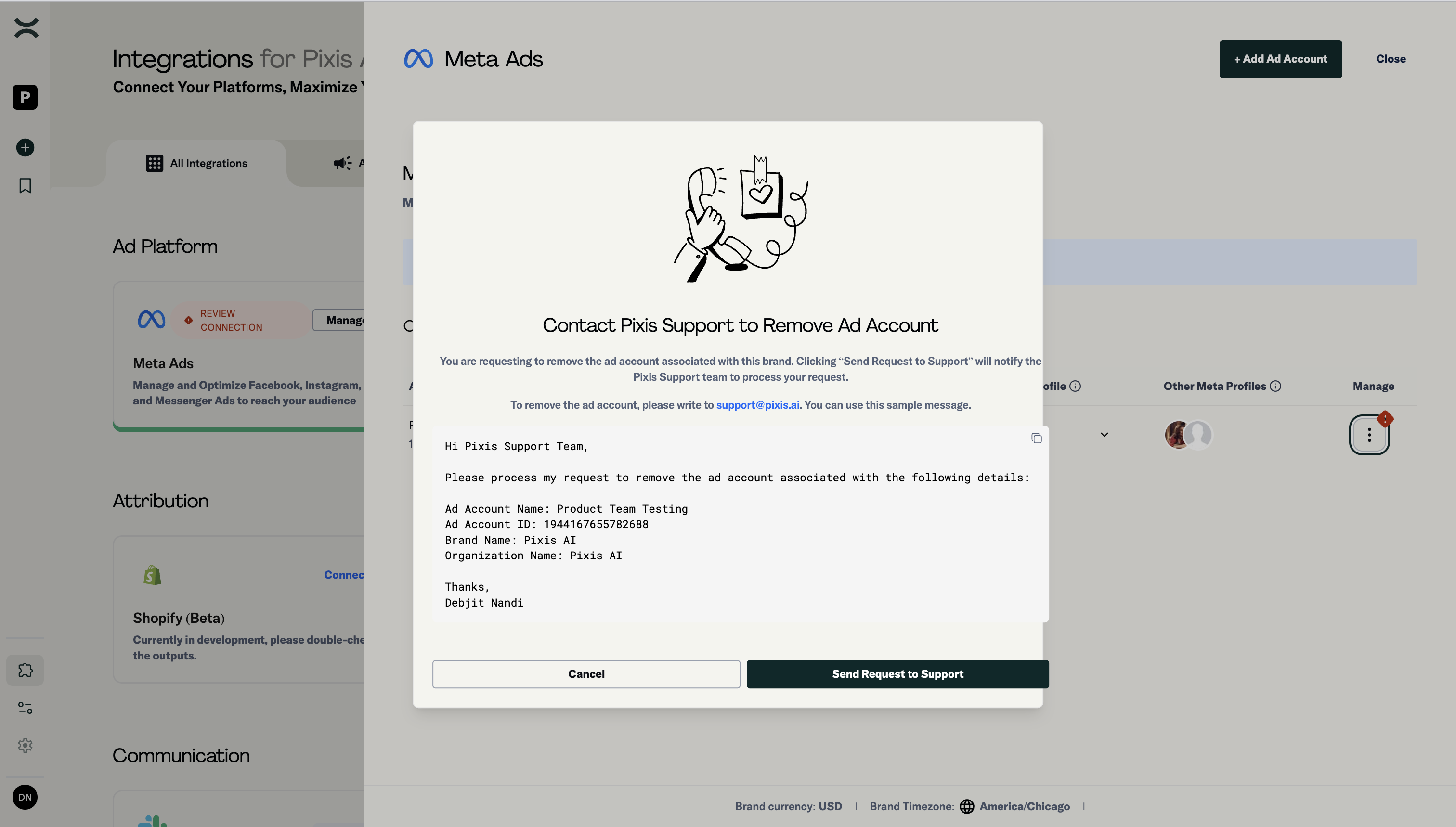
Primary Profile with full Access to Ad Account is required
Switching Primary Profile
Here's how you can switch your primary profile:
- Navigate to the Integrations page and click on Manage for the platform associated with the ad account you wish to remove.
- Click the Three Dots button under the Manage column for the selected ad account
- Select "Switch Primary Profile"
- Choose any profile with Edit Access from your list
- Confirm the change
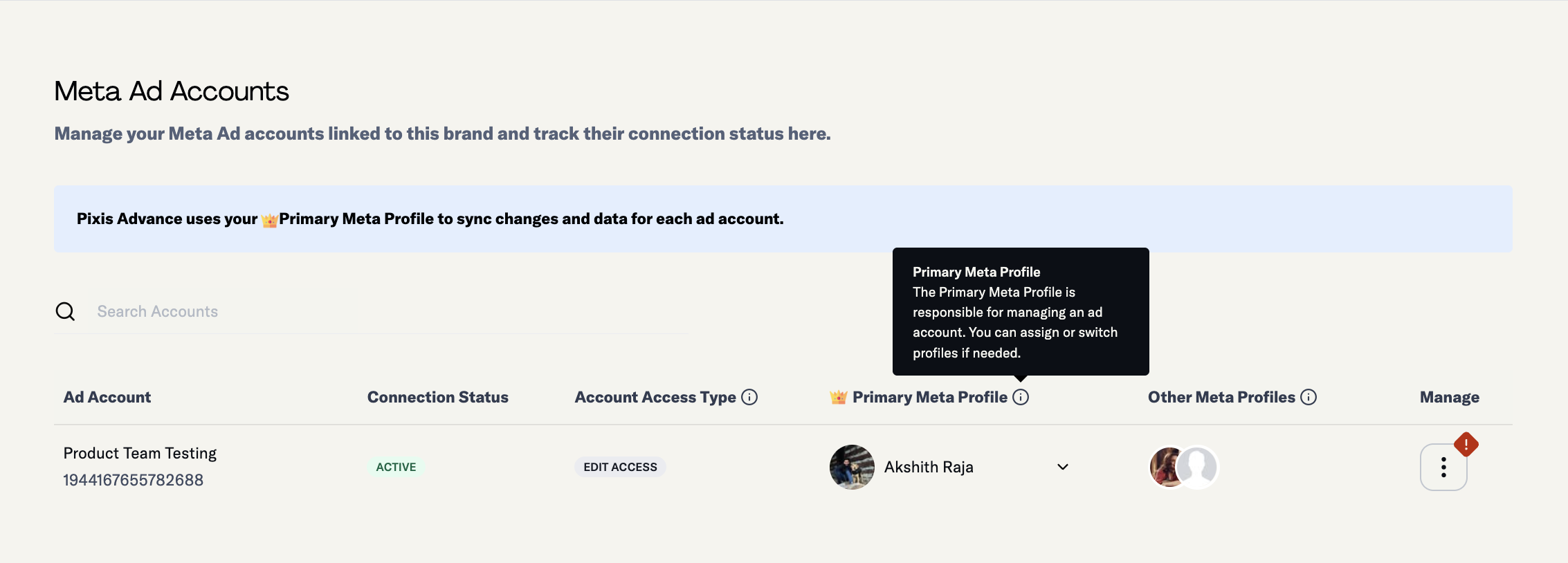
Profile switching interface
Next Steps
Proceed to "Connection Management and Troubleshooting" to learn about maintaining healthy connections and resolving common issues.